The $100 Standing Desk Question: Which Budget Desk Is Actually Stable (and When to Spend More)
Four electric desks between $100 and $150, one comparison of tops, motors and wobble, and the honest line on when a budget frame stops being enough. Measure your elbow height first.


Our picks
Prices checked September 4, 2026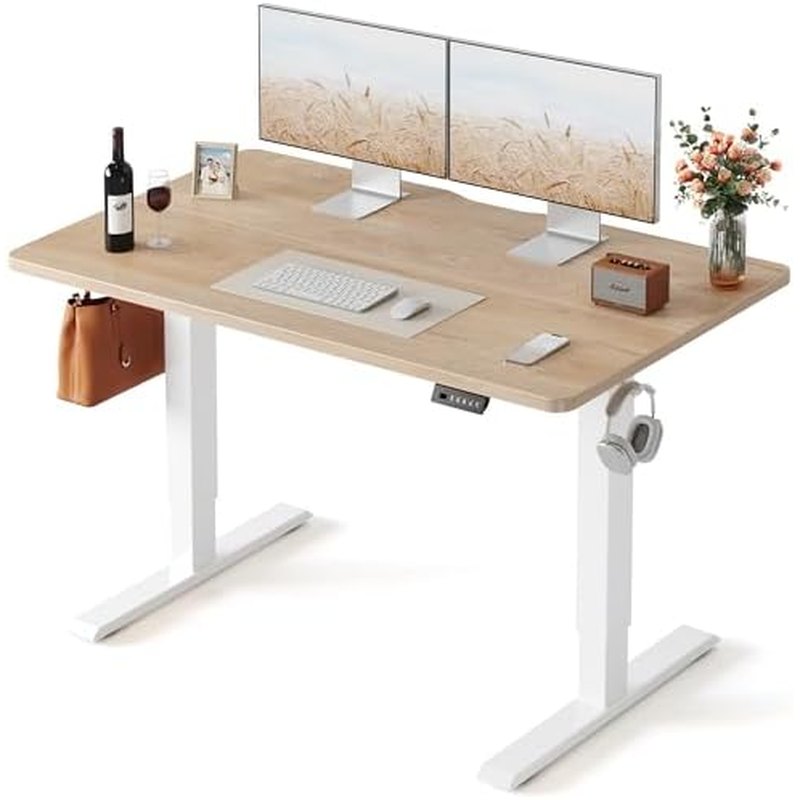
FEZIBO Electric Standing Desk, 48 × 24 in, Maple
The most-bought desk in this group (5,000+ in the past month) at 4.5 stars, with a 48-by-24 top that fits a monitor, laptop and keyboard, and at about $100 it undercuts most of the category while keeping the electric lift that makes people actually switch positions.
48 × 24 in topElectric liftMaple finish
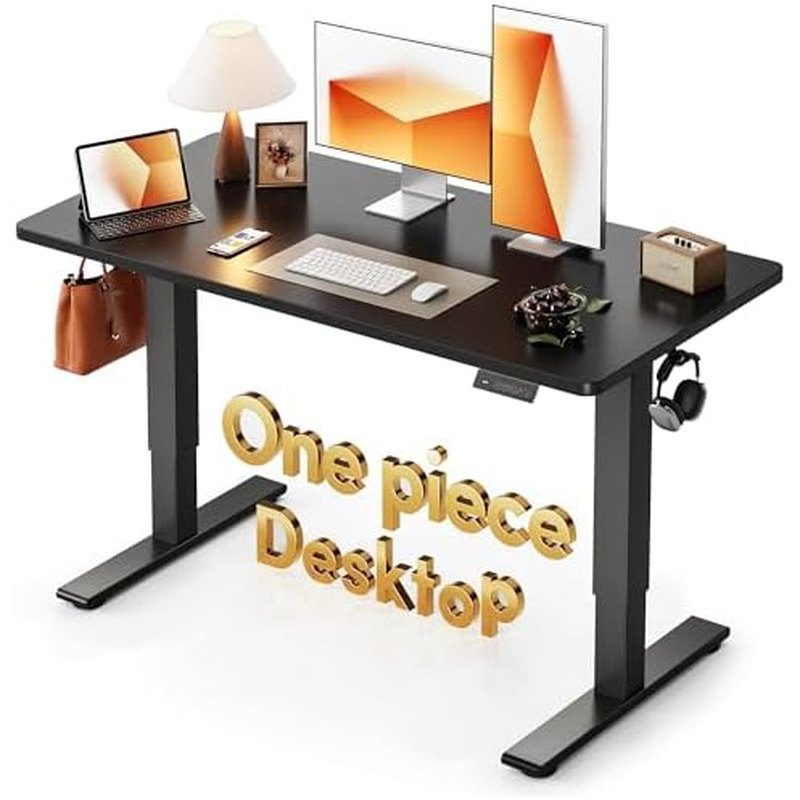
CubiCubi One-Piece Electric Standing Desk, 48 × 24 in
The only desk here with a one-piece top. Budget desks usually ship the top as two boards that meet at a seam; that seam is where flex, an uneven surface and a lot of the wobble complaints start. Thirty dollars more buys it out.
48 × 24 in one-piece topElectric liftBlack frame and top
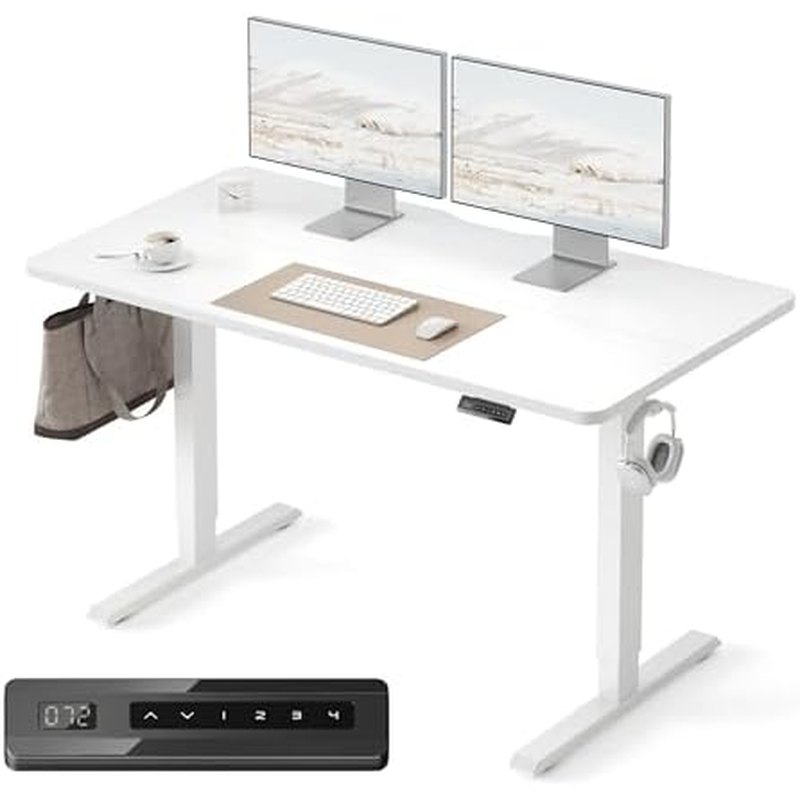
FEZIBO Electric Standing Desk, 55 × 24 in, White
Seven more inches of width is the difference between two monitors with a keyboard in front and two monitors with the keyboard in your lap. The top is a splice board (two pieces), which is the compromise you make for the width at this price.
55 × 24 in topTwo-piece (splice) topElectric liftWhite frame and top
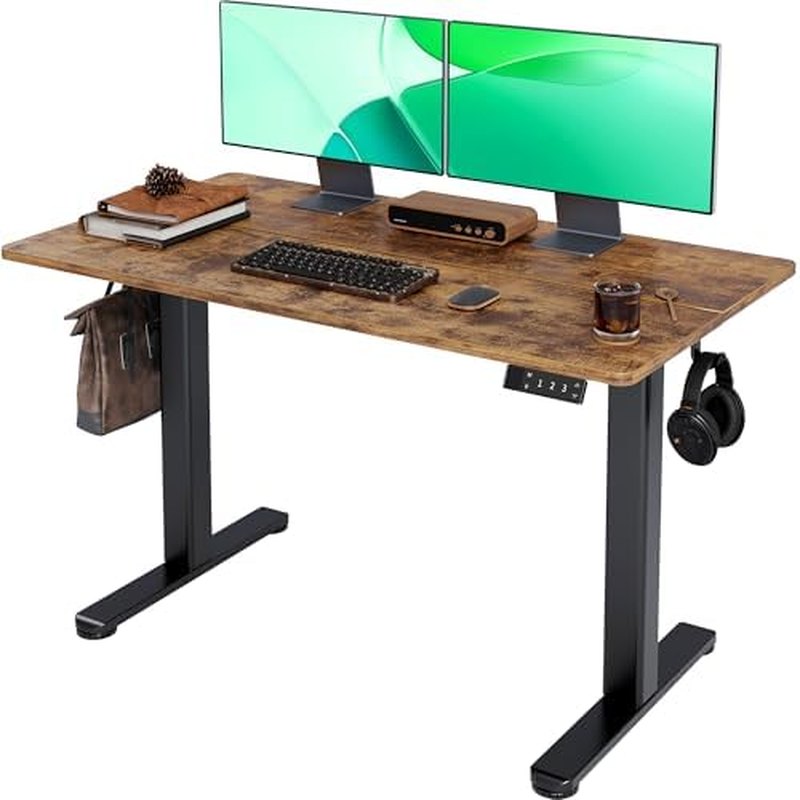
Claiks Electric Standing Desk, 48 × 24 in, Rustic Brown
Same size and price as the FEZIBO 48 with a warmer rustic-brown finish; at 5,300+ reviews and 4.4 stars it's the most-reviewed of the four and the closest call in this guide. Pick it over the FEZIBO on finish, not on features.
48 × 24 in topElectric liftRustic brown finish
Every desk in this guide costs between $100 and $150, and the honest thing to say first is what that price buys: an electric frame with a single motor, two-stage legs, a top that’s either two boards spliced together or one solid piece, and a height range of roughly 28 to 45 inches. That’s enough for anyone between about 5‘4” and 6‘2” with a monitor, a laptop and a keyboard. It is not enough for a 6‘4” user, a three-monitor rig, or anyone who wants the desk not to shimmy at full height. If that’s you, skip to the end, where we name a $400–$500 frame that pays us nothing.
For everyone else: we’d buy the FEZIBO 48-by-24 in maple at about $100. Spend $30 more on the CubiCubi if the idea of a seam down the middle of your desk bothers you (it should), or $50 more on the 55-inch FEZIBO if you run two monitors. The Claiks is the same size and price as the FEZIBO 48 in a warmer finish; pick between those two on looks.
We didn’t load-test these frames. What follows is a comparison of listed sizes, construction and price, and the long-term owner reviews, specifically the ones written after a year, when wobble, motor noise and a sagging top have had time to show up.
The four desks, and the one we’d upgrade to
| Desk | Top | Top construction | Price | Rating (reviews) | Our take |
|---|---|---|---|---|---|
| FEZIBO Electric Standing Desk, Maple | 48 × 24 in | Two-piece (assume a seam) | $100–$113 | 4.5 (4,700+) | Best for most people |
| CubiCubi One-Piece Electric Standing Desk, Black | 48 × 24 in | One-piece | $130 | 4.6 (1,100+) | Best top at this price |
| FEZIBO Electric Standing Desk, White | 55 × 24 in | Two-piece (splice board) | $150 | 4.5 (4,700+) | For two monitors |
| Claiks Electric Standing Desk, Rustic Brown | 48 × 24 in | Two-piece (assume a seam) | $100–$110 | 4.4 (5,300+) | Budget pick if you prefer the finish |
| Flexispot E7 frame (not an affiliate link) | Your choice | Dual motor, three-stage legs | About $400–$500 with a top | Not compared | When the budget class stops being enough |
Measure two numbers before you shop
Sit in your chair with elbows at about 90 degrees and measure from the floor to the underside of your forearm. Stand and do it again. Those are your seated and standing desk heights, and the desk’s range has to cover both with the top’s thickness included. Budget listings usually quote the frame range, and a one-inch top moves everything up an inch.
For the desks here, expect roughly 28 to 45 inches at the top surface. A seated height under about 27 inches, which is common for people under 5‘4” in a normal chair, means the desk won’t go low enough and you’ll type with raised shoulders. A standing height over about 45 inches, which is people over 6‘2”, means it won’t go high enough. Either way, the budget class is out and you’re shopping three-stage frames.
What 48 versus 55 inches actually holds
Forty-eight by 24 inches takes one monitor on a stand, a laptop beside it, a keyboard and a mouse, with a few inches to spare. Two 24-inch monitors fit on 48 inches only if the keyboard sits in front of them and you like your elbows tucked. The 55-inch FEZIBO’s extra seven inches is precisely the difference between that and two monitors with room for a notebook. Depth is the same 24 inches on all four, which is workable but means a monitor without an arm sits closer than most people like; a clamp-on arm gets you back six inches.
One-piece versus splice tops
This is the least advertised difference and the one most owners end up caring about. A splice top is two boards that meet at a seam under a strip of plastic or a joining plate. The seam is where a mouse pad catches, where the top flexes, and, in the year-later reviews, where the two halves stop sitting flush. FEZIBO says so outright on the 55-inch (“with splice board”); on the 48-inch FEZIBO and the Claiks the listings are quieter, but at $100 assume a seam. The CubiCubi is the one desk here that names a one-piece top, and its 4.6 rating is the highest of the four on a smaller but consistent review base. If you can spend $130 instead of $100, this is where the money goes.
Motors, speed and load: what $100 buys
Every desk in this class uses one motor driving both legs through a crossbar. That’s fine for a monitor, laptop and a few books. It’s slower than dual-motor frames, and if you load it near its rated capacity, typically somewhere around 150 to 180 pounds for listings like these, it gets loud and can lift unevenly as it wears. Add up your gear honestly, including the top, and keep a comfortable margin.
Lift speed is not worth paying for. Memory presets are: a controller with saved sit and stand heights is the difference between switching positions six times a day and never. All four desks here have electric controllers; check the listing for presets before you buy, because that’s not a given at this price.
Wobble, and how to get less of it
Wobble at standing height is the number one complaint in the year-later reviews of every budget desk, and it comes from three places: two-stage legs with a little play, no rear crossbar, and a thin top. You can’t change the first two on these frames. You can tighten every bolt after a week of use (they loosen as the top settles), level the feet on carpet, keep the standing height as low as comfortable, and put the monitor on an arm clamped near the back rail rather than a stand in the middle. The one-piece CubiCubi top is stiffer than a spliced top of the same thickness, which is another reason it’s our upgrade pick.
When to spend $400 instead
If you’re outside the height range, run more than two monitors, or have used a budget desk and hated the shimmy, the class to look at is a dual-motor, three-stage frame. The Flexispot E7 (about $400 to $500 with a top, not an affiliate link) is the one we’d name: a much wider height range, a load rating several times the desks above, and a rear crossbar that takes most of the wobble out. It’s a different category of purchase, and for most home offices it’s overkill, but it’s the honest answer for the tall, the short and the heavily equipped.
FAQ
Is a single-motor desk a mistake?
Not for a monitor, laptop and keyboard, adjusted a few times a day. It becomes one when you load it near capacity or expect it to move as smoothly as a $500 frame.
How do I reduce wobble on a desk I already own?
Tighten every bolt, level the feet, lower the standing height an inch, and move the monitor to a clamped arm. A stiffer top helps more than anything else you can bolt on.
Should I get a desktop converter instead?
Only to test whether you’ll stand at all. Converters raise the keyboard too high for most people and eat surface area. If you stand more than an hour a day, a full frame is the better buy.
The bottom line
For a standard home office, buy the FEZIBO 48 × 24 in maple at about $100 and put the monitor on an arm. Spend $130 on the CubiCubi if you want a one-piece top, or $150 on the 55-inch FEZIBO for two monitors. If you're over about 6 ft 2 in, under 5 ft 4 in, or running a heavy rig, skip this class for a dual-motor frame like the Flexispot E7 (about $400–$500, not an affiliate link).
What we like
- Electric lift with a 48 × 24 in top for about $100, enough for a monitor, laptop and keyboard for anyone roughly 5 ft 4 in to 6 ft 2 in
- The CubiCubi's one-piece top removes the seam that causes most flex and mouse-pad complaints on budget desks, for $30 more
- The 55-inch FEZIBO is the cheapest way here to run two monitors with the keyboard in front of them
What to watch
- All four are budget single-motor, two-stage frames with a range of roughly 28–45 in; too short for anyone much over 6 ft 2 in and not low enough for a low seated height
- Two-piece (splice) tops on three of the four; expect a seam under your mouse pad
- Wobble at full standing height is the recurring year-later complaint across this whole price class
Junjie Li
Junjie researches and writes every guide on this site. No lab and no sponsors: manufacturer specs, long-term owner reviews and professional test results, then a straight answer on what to buy for each situation.